


As a well - established supplier of Industrial Printer Parts, I've witnessed firsthand the detrimental effects that dust and debris can have on these precision components. Industrial printers are the workhorses of many manufacturing and production facilities, and their parts need to be in optimal condition for smooth operation. In this blog, I'll share some effective strategies on how to protect industrial printer parts from dust and debris.
Understanding the Risks Posed by Dust and Debris
Before delving into the protective measures, it's crucial to understand why dust and debris are such a threat to industrial printer parts. Dust is composed of tiny particles that can infiltrate even the smallest gaps in the printer. These particles can cause abrasion, leading to premature wear and tear of moving parts such as belts, gears, and rollers.
Debris, on the other hand, can be larger and more irregular in shape. It may clog ink nozzles, obstruct paper paths, and disrupt the electrical connections within the printer. This can result in poor print quality, frequent breakdowns, and ultimately, costly repairs and replacements.
Implementing a Clean Working Environment
One of the most fundamental steps in protecting industrial printer parts is to maintain a clean working environment. This starts with proper facility management. Regularly sweep and mop the floors around the printers to remove loose dust and debris. Use industrial - grade vacuum cleaners equipped with HEPA filters to capture fine particles that regular cleaning methods may miss.
Install air filtration systems in the printer area. These systems can significantly reduce the amount of airborne dust and pollutants. High - efficiency air filters can trap particles as small as 0.3 microns, preventing them from settling on the printer parts. Additionally, consider using positive air pressure in the printer room. This means that the air pressure inside the room is higher than the outside, which helps to prevent dust from being drawn into the area.
Enclosing the Printer
Enclosing the industrial printer can provide an extra layer of protection. A well - designed enclosure can shield the printer from dust and debris in the surrounding environment. There are various types of enclosures available, from simple plastic covers to custom - built metal cabinets.
When choosing an enclosure, make sure it has proper ventilation to prevent overheating. The enclosure should also be easy to access for maintenance and cleaning. Some enclosures come with built - in access panels and doors that allow technicians to quickly reach the printer parts when needed.
Regular Maintenance and Cleaning
Regular maintenance is key to keeping industrial printer parts free from dust and debris. Establish a routine maintenance schedule that includes cleaning the printer's exterior and interior components.
For the exterior, use a soft, lint - free cloth to wipe down the printer's surface. Avoid using abrasive cleaners that could scratch the finish. For the interior, follow the manufacturer's guidelines for cleaning. This may involve using compressed air to blow out dust from hard - to - reach areas, such as around the print head and inside the paper feed mechanism.
Inspect the printer parts regularly for signs of dust accumulation or damage. Replace any worn - out parts promptly to prevent further issues. For example, if you notice that a roller is starting to show signs of wear, replace it before it causes paper jams or uneven printing.
Using Protective Covers and Filters
In addition to enclosing the printer, consider using protective covers and filters for specific printer parts. For example, you can use dust covers for the print head. These covers can be easily removed and cleaned, and they provide an extra barrier against dust and debris.
Some industrial printers also have built - in filters, such as air filters for the ink delivery system. Make sure to replace these filters regularly according to the manufacturer's recommendations. Using high - quality filters can improve the overall performance of the printer and extend the lifespan of its parts.
Training Staff on Proper Handling
Proper handling of industrial printers by staff is essential in protecting the parts from dust and debris. Train your employees on the correct procedures for operating and maintaining the printers. Teach them to avoid opening the printer unnecessarily, as this can allow dust to enter.
Encourage staff to keep the printer area organized and free from clutter. Tools and supplies should be stored properly to prevent them from accidentally falling into the printer. Additionally, provide your employees with the necessary cleaning tools and training on how to use them effectively.
Investing in High - Quality Parts
As an Industrial Printer Parts supplier, I can't stress enough the importance of investing in high - quality parts. High - quality parts are often more resistant to dust and debris. They are made from better materials and are designed to withstand the rigors of industrial use.
When purchasing parts, look for reputable manufacturers that have a proven track record of producing reliable components. For example, you can explore our Industrial Automated Machinery Spare Parts section, where you can find a wide range of high - quality parts for industrial printers.
Protecting Moving Parts
Moving parts in industrial printers are particularly vulnerable to dust and debris. For example, the rotary table in some printers Function As A Rotary Table for Automation Equipment. To protect these parts, use lubricants that are specifically designed to resist dust and debris.
Lubricants can create a protective film on the moving parts, preventing dust from adhering to them. However, make sure to use the correct type and amount of lubricant. Too much lubricant can attract more dust, while too little may not provide adequate protection.
Using Metal Parts for Durability
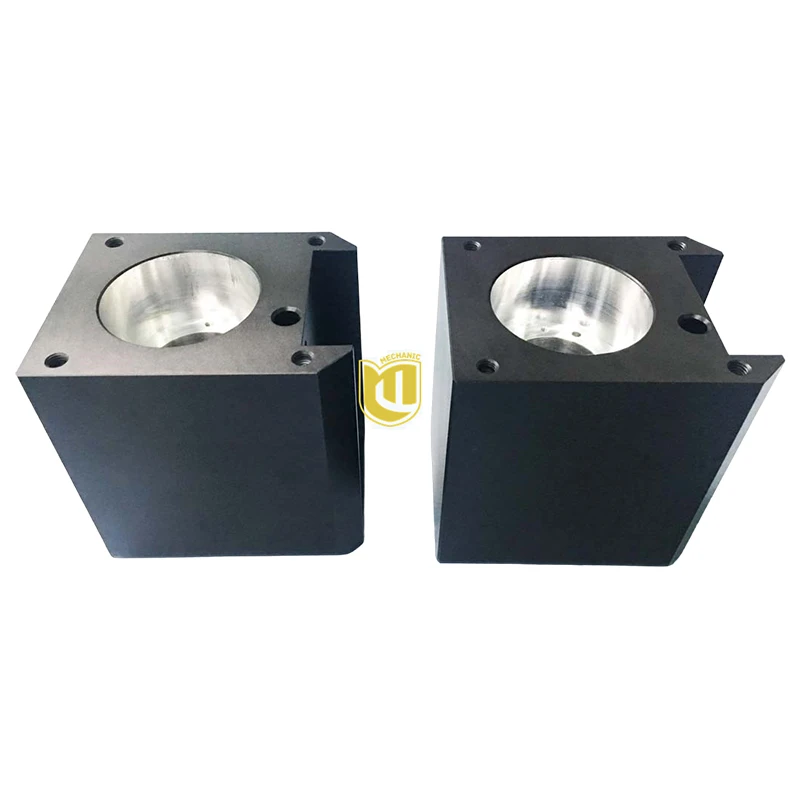
Metal parts are often more durable and resistant to dust and debris compared to plastic or other materials. Consider using Metal Industrial Automation Parts for your industrial printers. Metal parts can withstand higher levels of stress and are less likely to be damaged by dust - induced abrasion.
Conclusion
Protecting industrial printer parts from dust and debris is a multi - faceted approach that requires a combination of proper facility management, regular maintenance, and the use of high - quality parts and protective measures. By implementing these strategies, you can significantly extend the lifespan of your industrial printer parts, reduce downtime, and save on repair and replacement costs.
If you're interested in learning more about our Industrial Printer Parts or have any questions regarding the protection of these parts, feel free to reach out. We're here to assist you in ensuring the optimal performance of your industrial printers. Contact us to start a procurement discussion and find the best solutions for your needs.

References
- "Industrial Printer Maintenance Guide" - Manufacturer's Manuals
- "Dust and Debris Management in Industrial Environments" - Industry Reports
- "Best Practices for Protecting Industrial Equipment" - Professional Journals